Great Ideas
Role
Layout, Ensuring Responsiveness
tools used
Figma
team size
7 Designers, 1 Instructor
duration
9 Weeks
Client goals
Encourage visitors to learn more about the designer and the books that inspired them
Get users to focus more on the quote that the designs are based on
Allow visitors to view the exhibit after they leave
design goals
Create a template that can easily be reused for different content and easily edited at any time
Make the template responsive for various phone resolutions
Incorporate the client’s branding
sections
Opportunity
Scope
Round 1
Round 2
User Testing
Round 3
Client Meeting
Refinement
Final Screens
Reflection
opportunity
Our team was reached out to by Professor Benjamin Benus on behalf of the Design Museum of Chicago. He wanted us to develop a mobile app for visitors of the museum’s traveling design exhibition. The exhibit, coming to Loyola University New Orleans, would showcase over 50 posters related to profound quotes from around the world. Since visitors would likely not be familiar with the designers or quotes, our app needed to provide them with context. Our client told us to include information such as the quote, poster, designer’s statement, and buttons that lead to the book’s library page and designer’s portfolio respectively. He also requested that the app be accessible via QR codes stationed beside each poster.
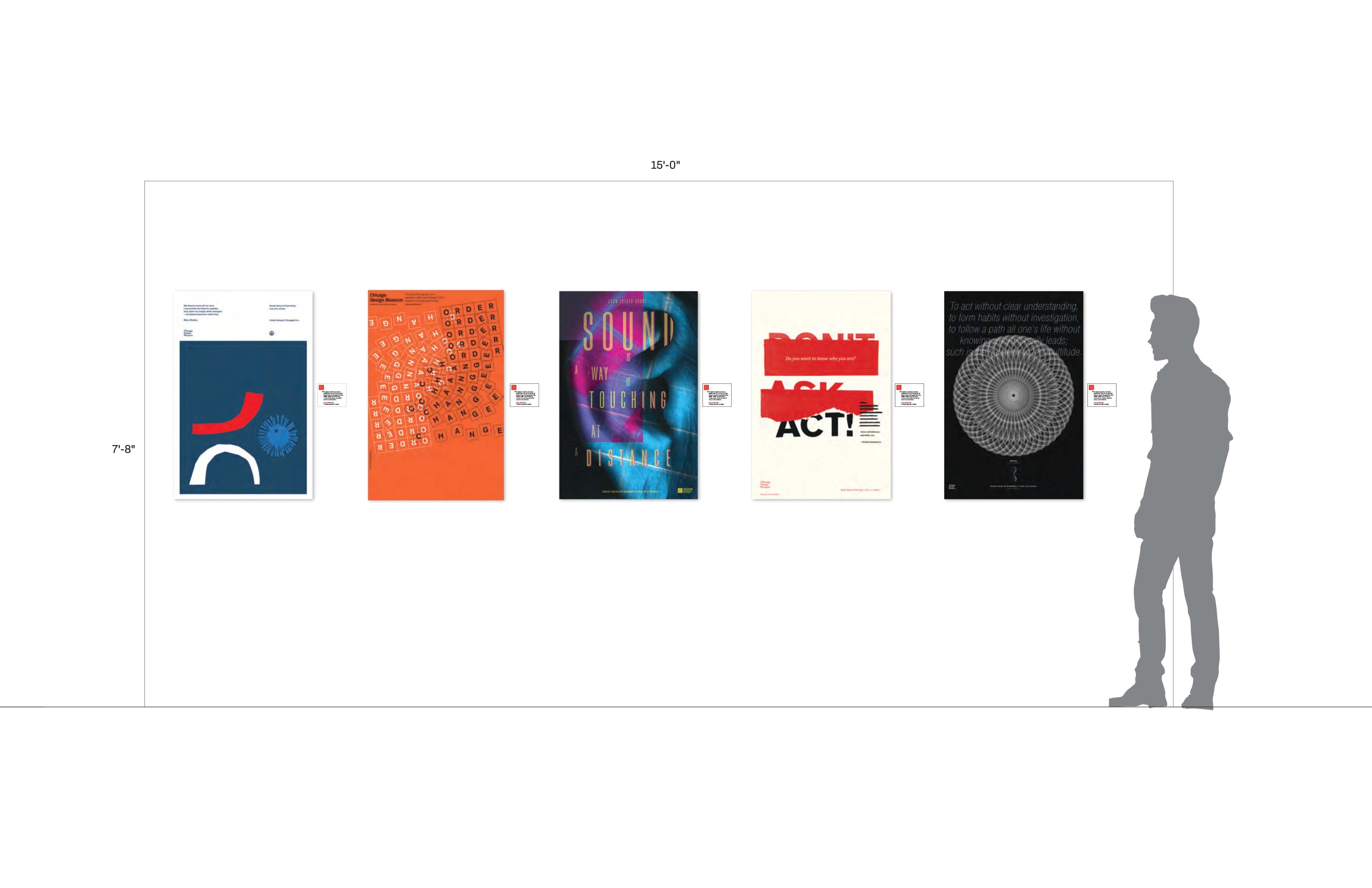
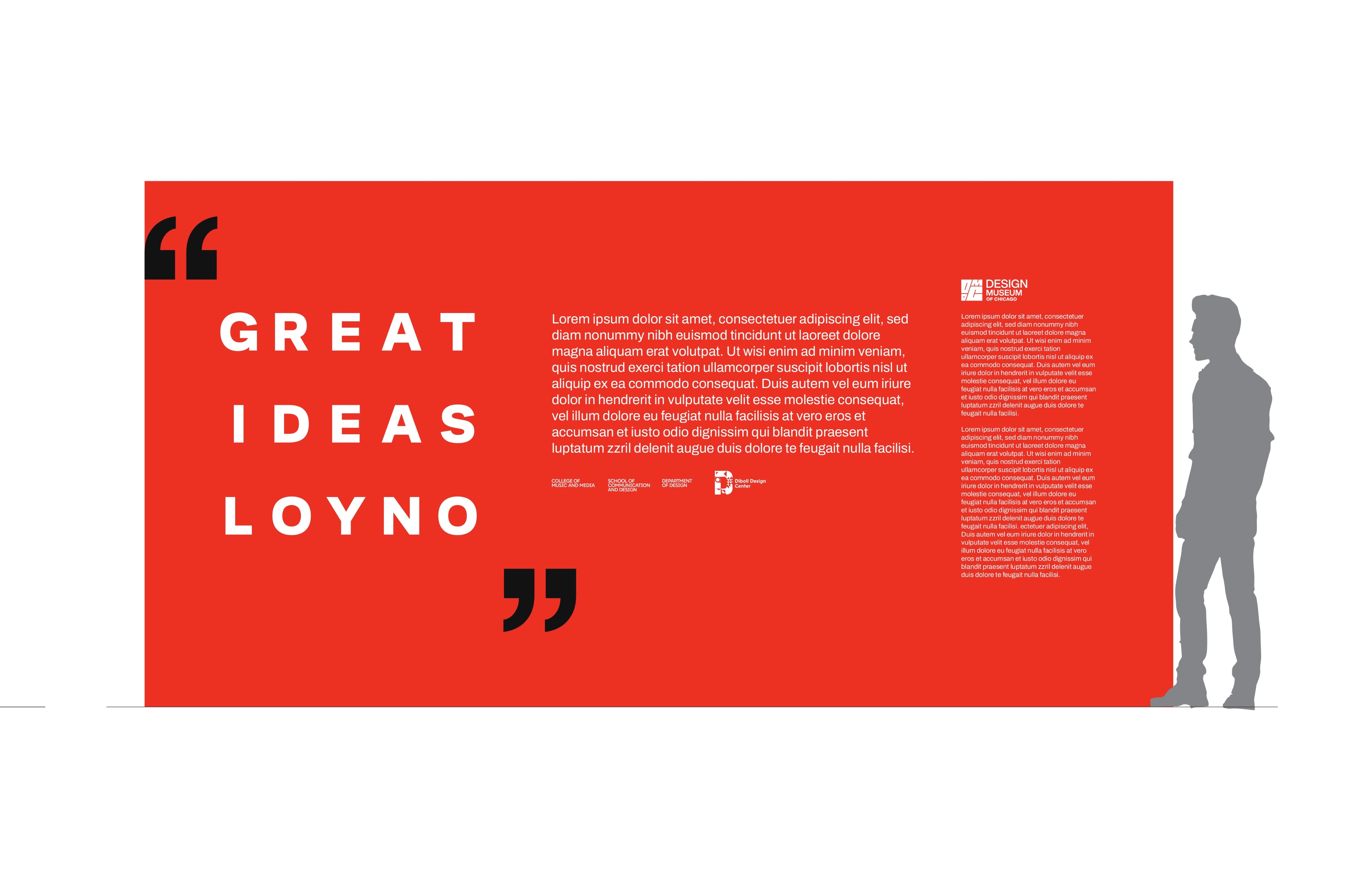
While the functionality of the app would be simple, our challenge was to find the best way of organizing the content while making sure all the screens looked consistent and refined.
scope and constraints
Working in Figma gave us significant freedom over the app’s layout and appearance, and our client didn’t initially give any visual requirements. Despite this, developing for mobile proved to be rather limiting. We also had to make our designs responsive and easy to to replicate, encouraging a minimalist approach.
round 1
Because our client already determined the content, we did not do any preliminary research. Instead, we leveraged our large group size to discover our final layout through sheer iteration.
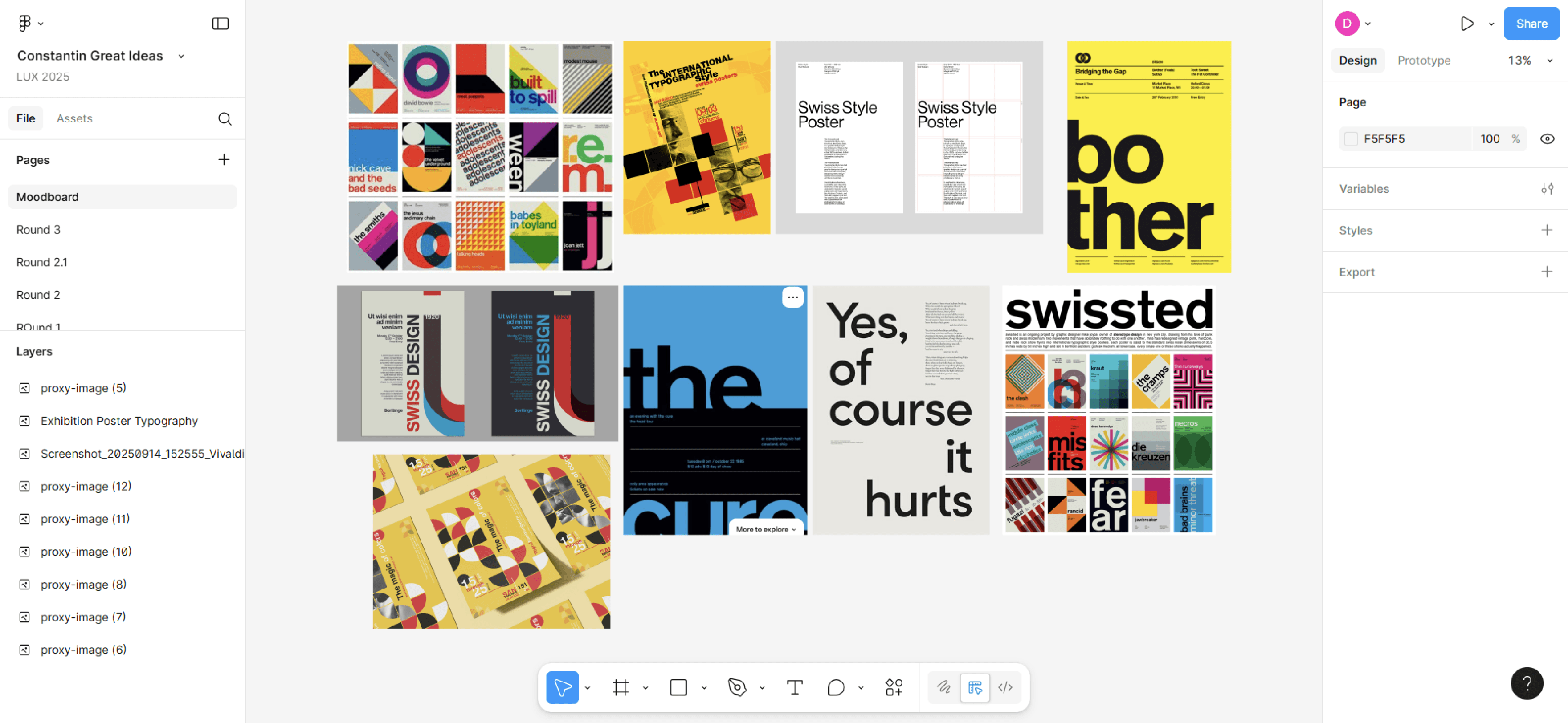
Inspiration board
Recalling that Professor Benus told us the museum was inspired by Swiss design, I looked into examples to see what could be worked into my screens. Asymmetry, lowercase type, geometric shapes, saturated colors, narrow text, hyphenated words, and large headers were all stylistic choices I based on this. I used blue, yellow and pink because I noticed them to be common among Swiss designs and the SCD branding uses them. This could emphasize the collaborative nature of the project.
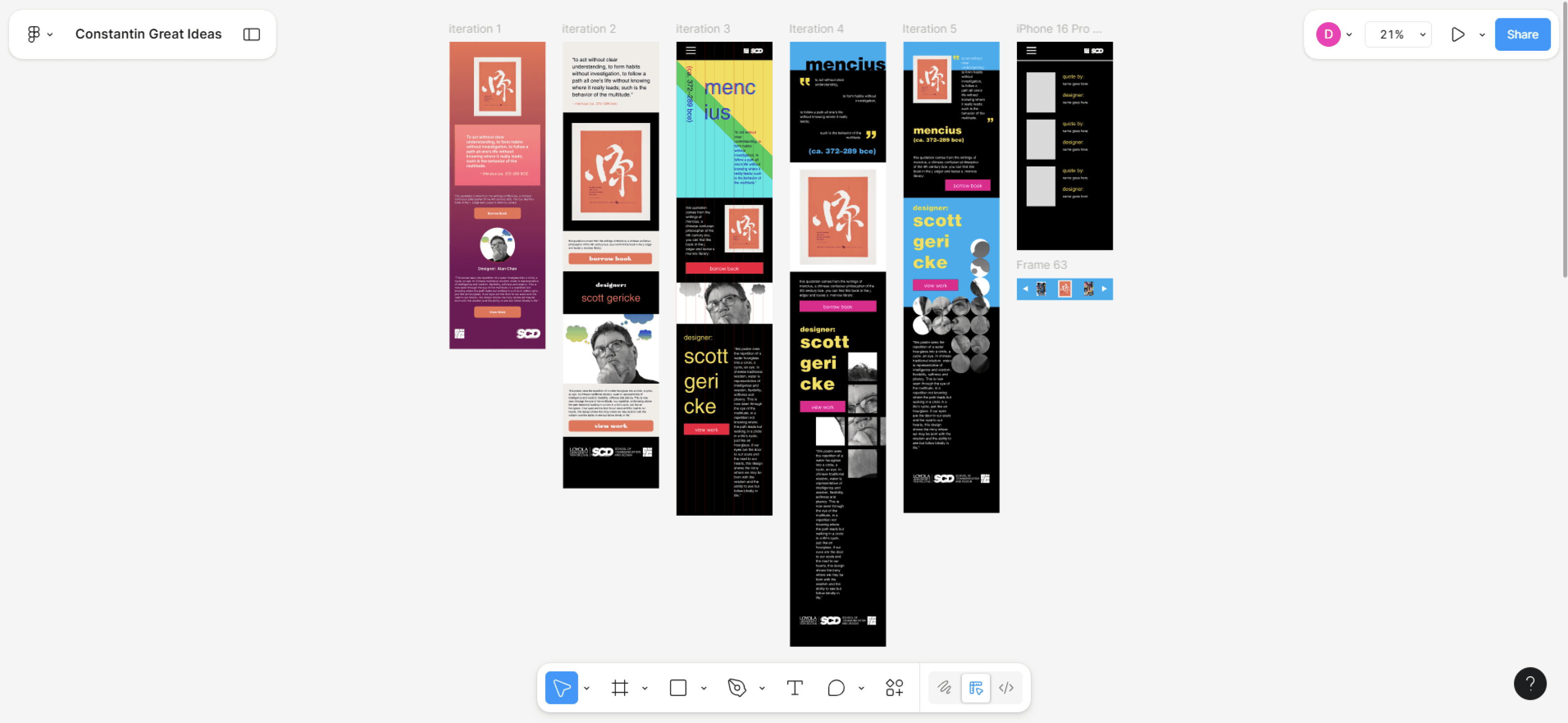
These decisions led to bold, unorthodox-for-mobile designs. With my team iterating so much, I could experiment freely and fall back on a more modest design if necessary. My screens certainly stood out, for better or worse. My colleagues appreciated their playfulness but noticed several issues that distracted from the content. For example, the colors were too saturated, some background elements were too complex, and there were too few words per line in some of the body text.
round 2
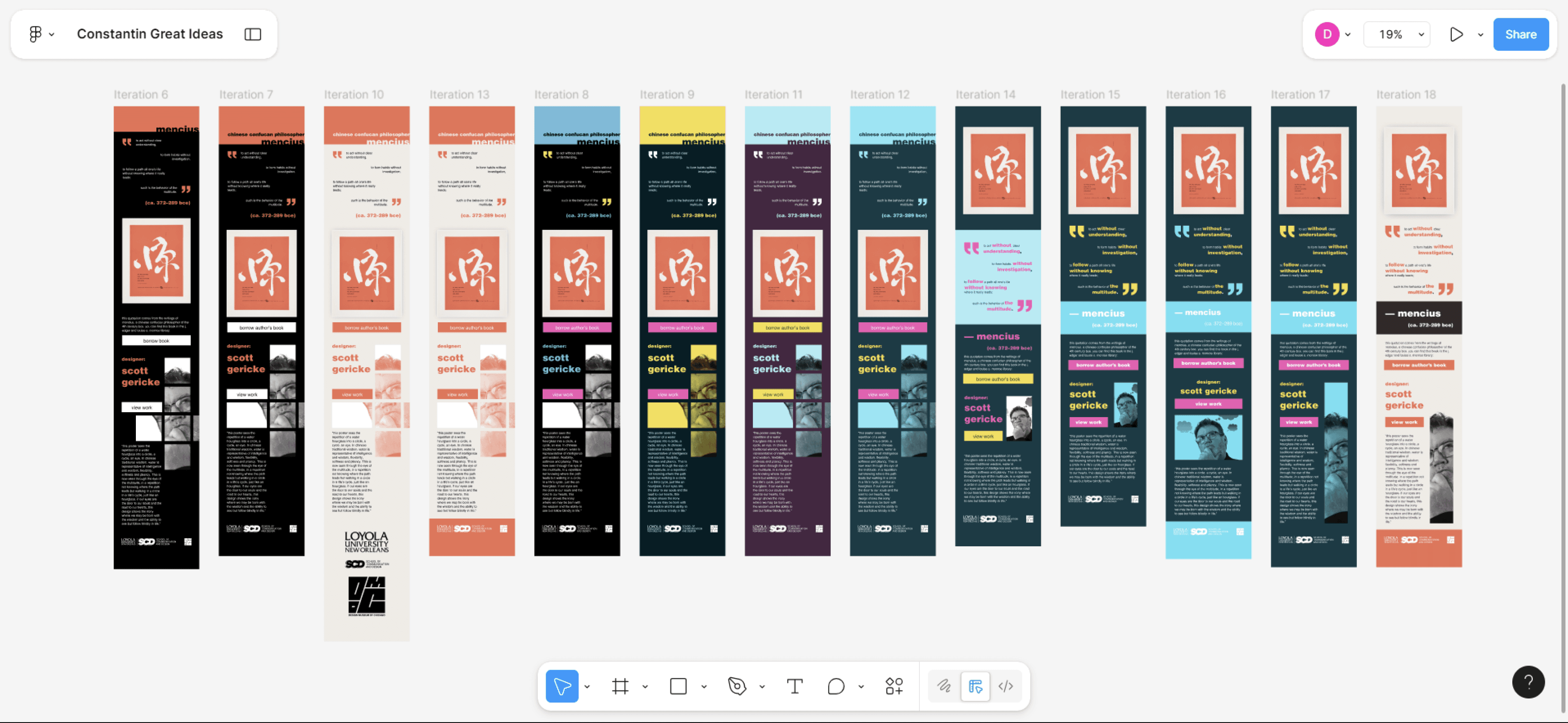
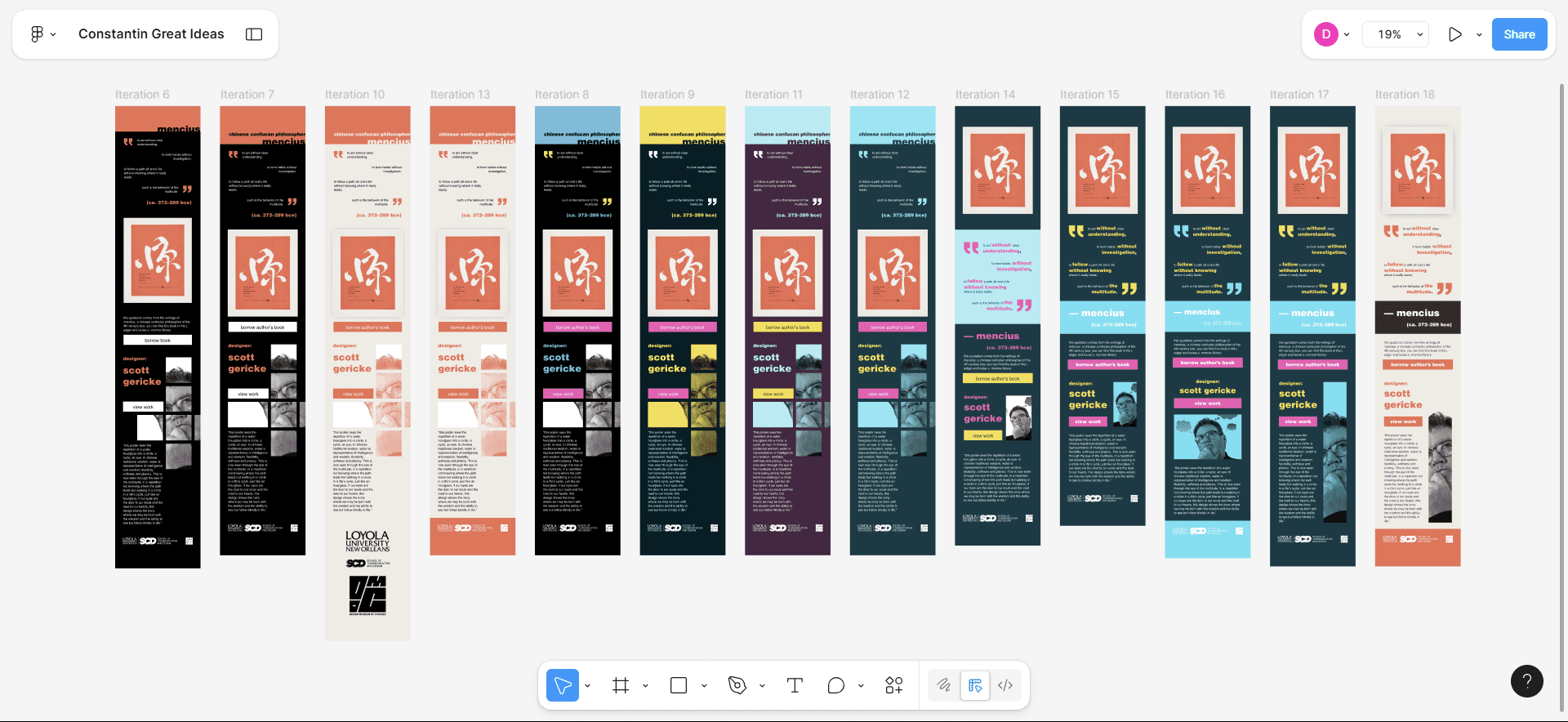
Iterations before brand guide
Moving forward, I made efforts to improve the clarity of my screens. I made the paragraphs wider, simplified elements like the background and the quote style, and experimented with several different palettes. We received brand guidelines during this time, so I adjusted the style accordingly but kept my layouts. However, the more I refined my designs, the less Swiss they began to feel. What made things worse was that I could not figure out how to make some of the more complex elements responsive. This all came at a head when it was time for us to do user testing.
Iterations after applying colors from brand guide
user testing
Our team got another class of design students to come try out our screens. We printed QR codes linking to our latest screens for mobile testing and left sticky notes for user feedback. We also asked students to say their favorite design. To reduce bias, each version was assigned a number so users wouldn’t know who created which design.
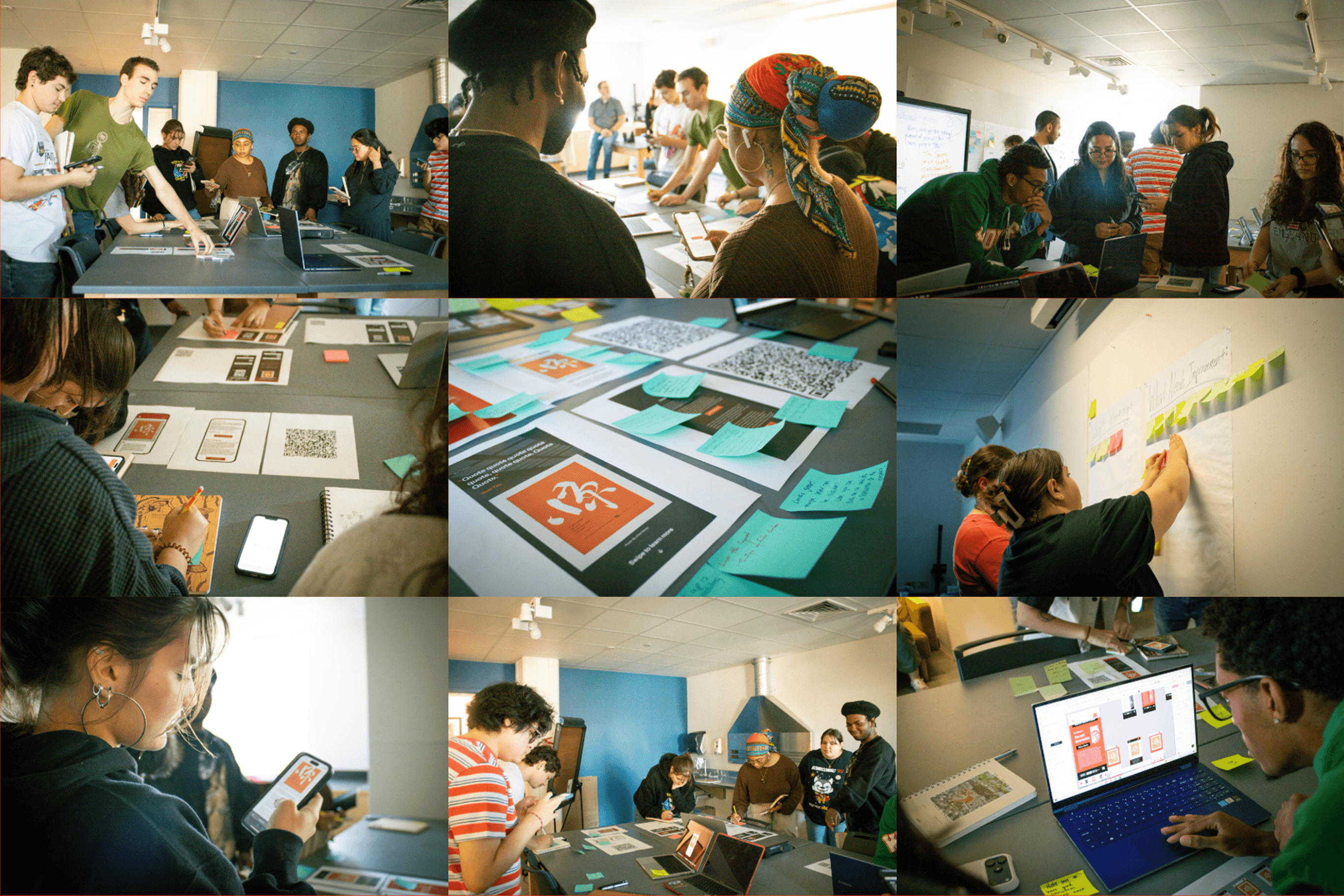
The reception I got was mixed. There was conflicting feedback about the narrowness of the portraits, and some thought that the lowercase text was a mistake rather than a deliberate nod to Swiss design. Even after heavily simplifying my designs, there was still concern about them being too detailed to function as a template. It seemed that, as I sterilized my work for the sake of clarity, I lost the initial charm while retaining some of the original issues.
When it came time to count the votes, the results spoke for themselves: I got 0.
round 3
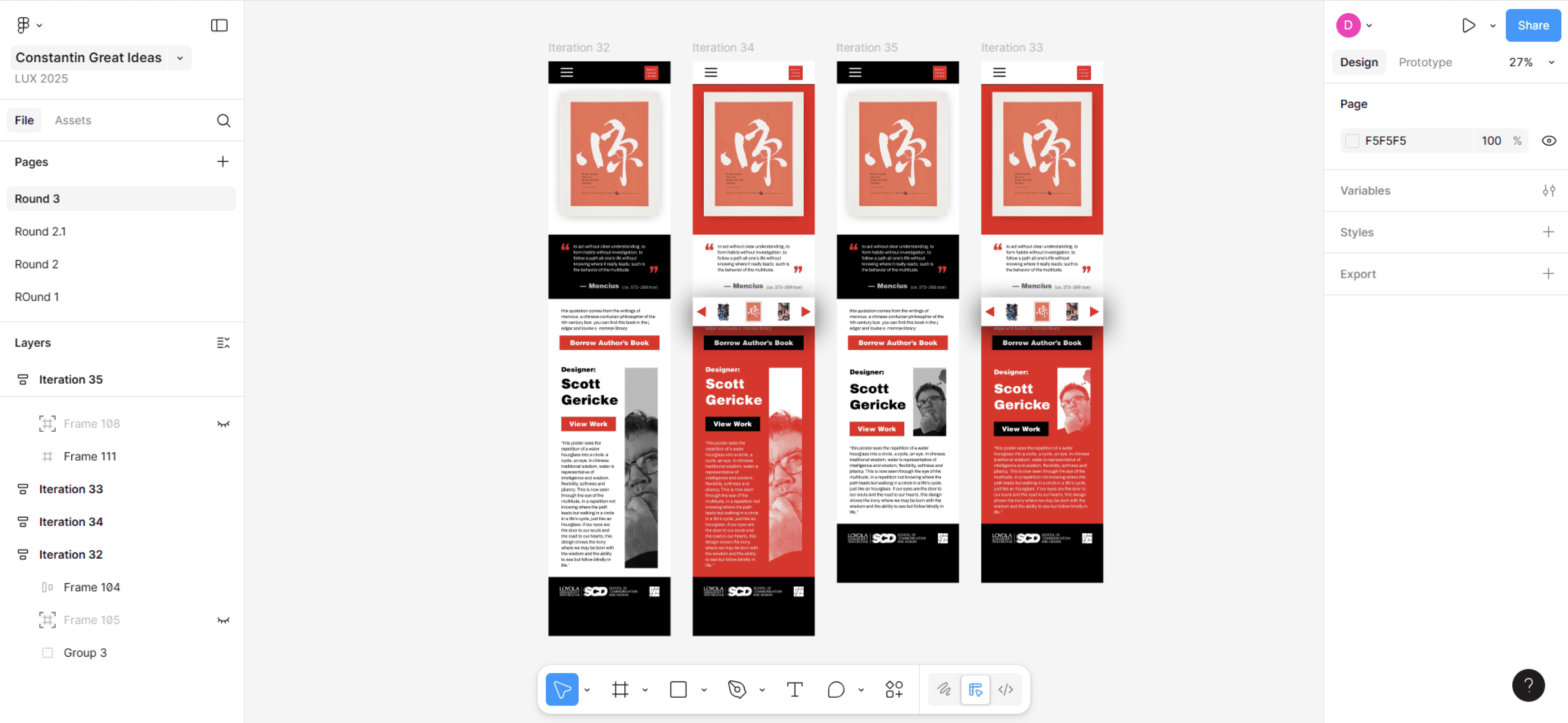
Taking the user feedback into account, I began revising my designs for another meeting with Professor Benus. I updated the type to mixed case and used an uncropped portrait to appeal to standard design conventions.
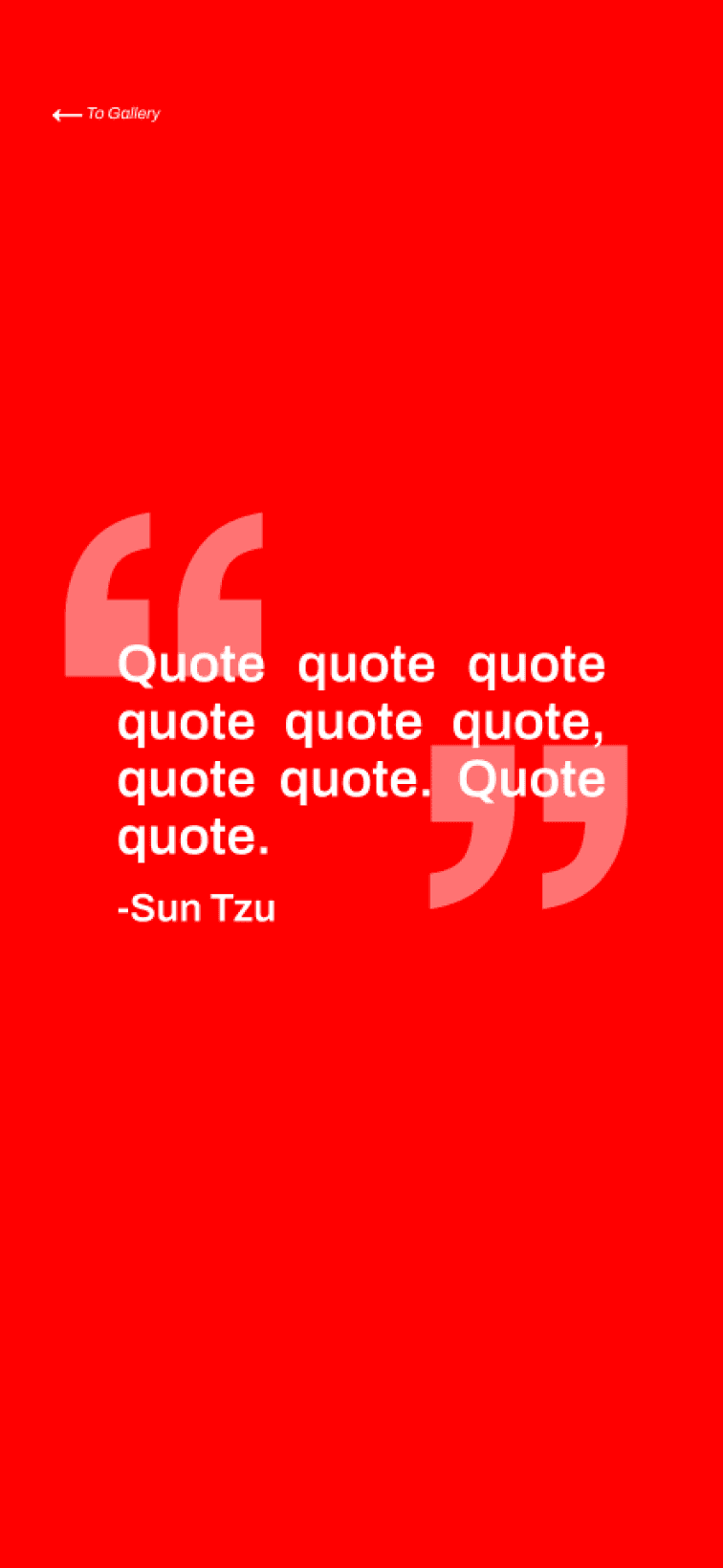
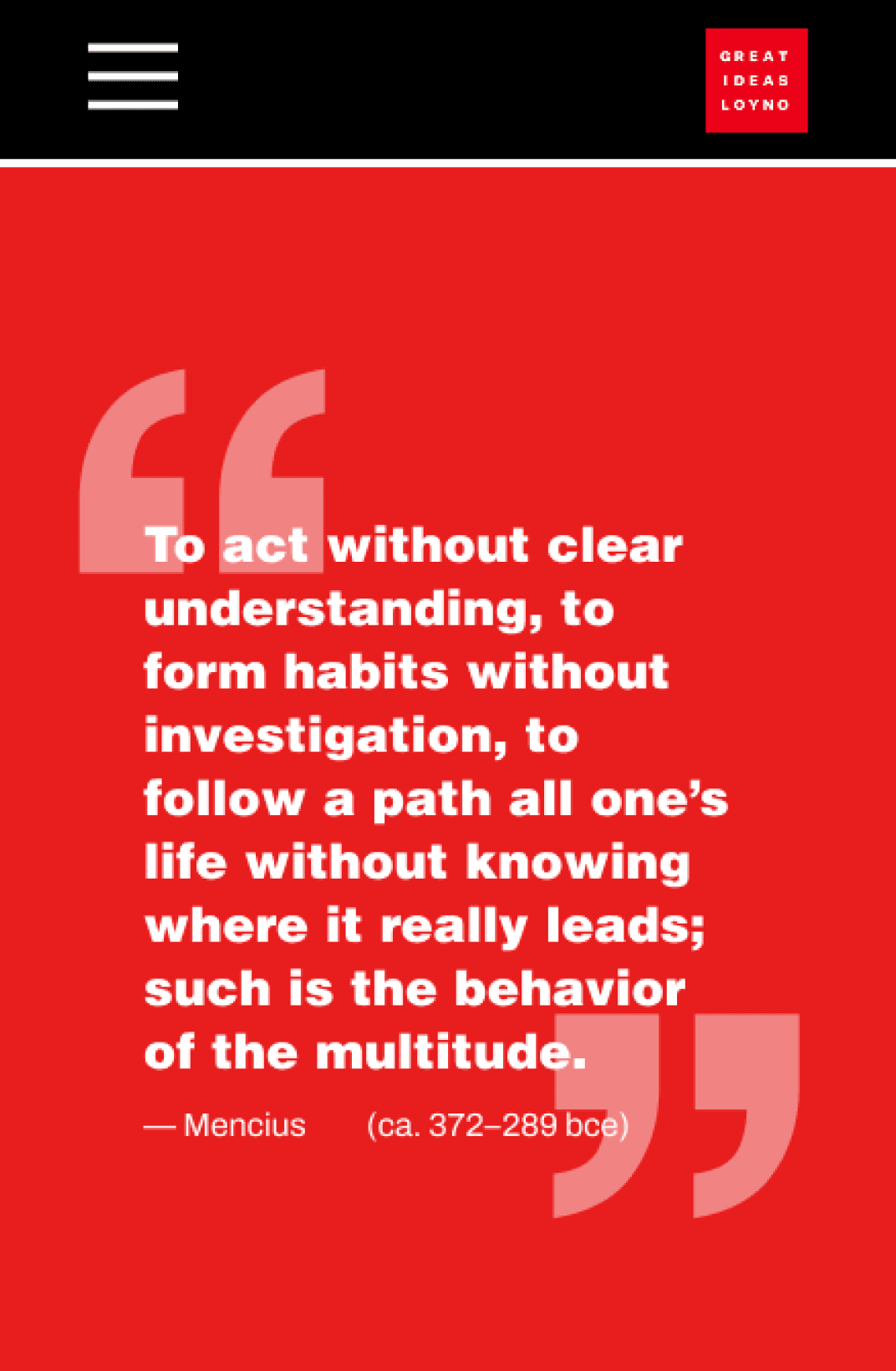


Amelie’s quote section - My version - The designs I would present Professor Benus
My instructor suggested I integrate my classmate Amelie’s quote section too. Her designs received the most votes during user testing, and her section was styled in a way that would fit well with the rest of my content. It was minimalist and type-focused while including the large quotation marks prevalent in the brand guide. Unlike my previous iterations that experimented with the quote section, it was simple while also making the quote stand out.
client meeting
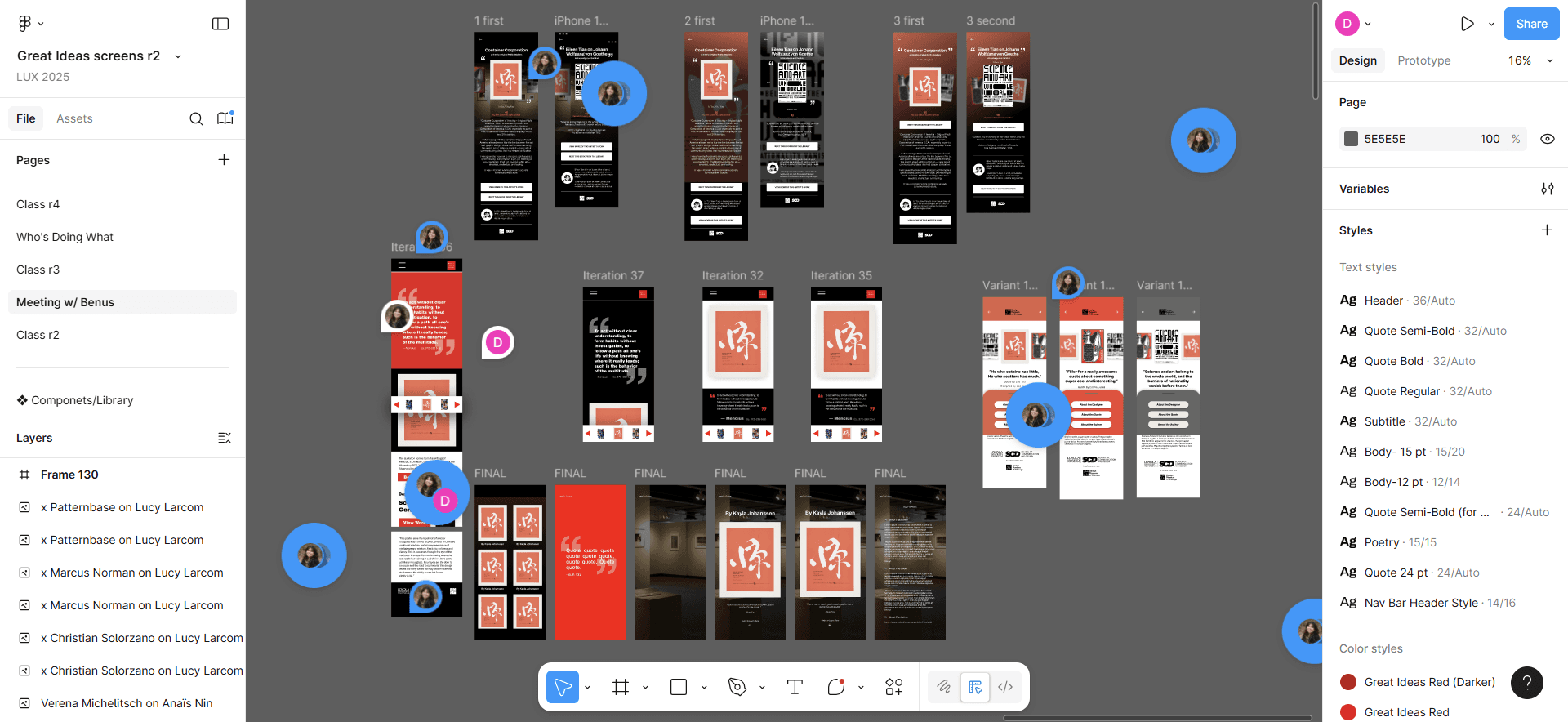
Our team’s most unique designs were gathered to preset Professor Benus
This meeting with Professor Benus would help us determine what direction to take final design in. My design ended up being chosen for two reasons.
First and foremost, it adhered strongly to the branding. The other options were grayscale or based their palette on individual posters. They didn’t want to use the red our client gave as it was very saturated. While that could have distracted from the posters, I was able to incorporate it tastefully by limiting it to the quote section and buttons. The quote section itself, with its big quotation marks, red background and white type, matched the style used for exhibit signage.
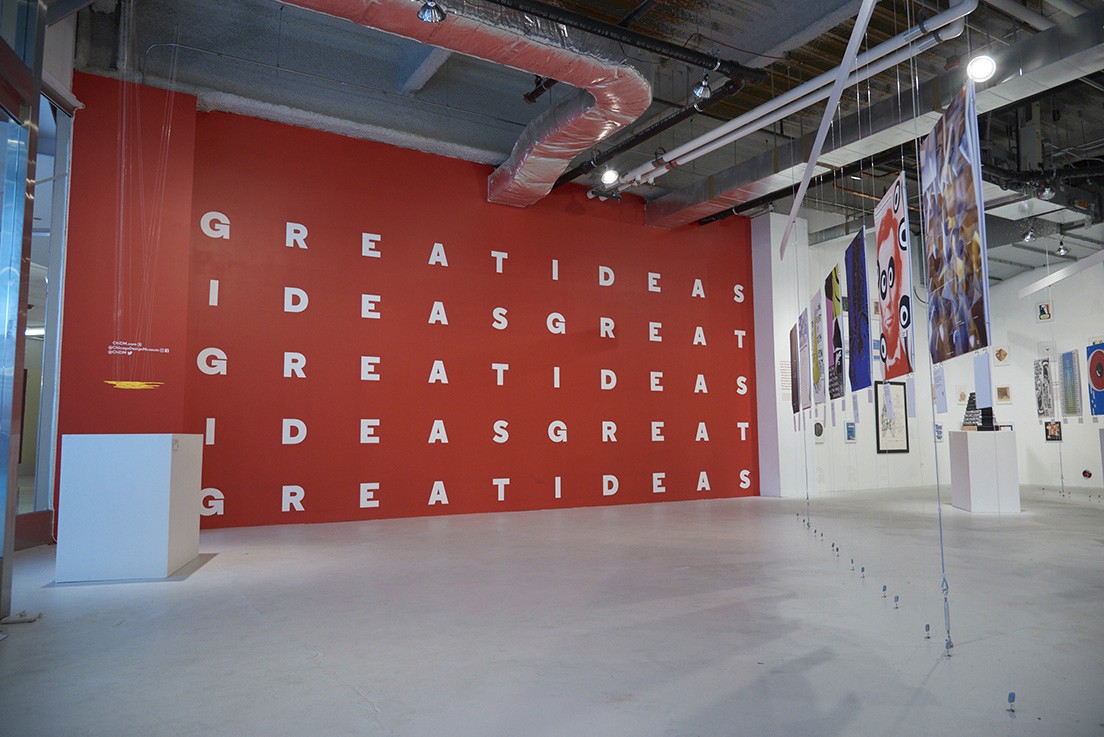
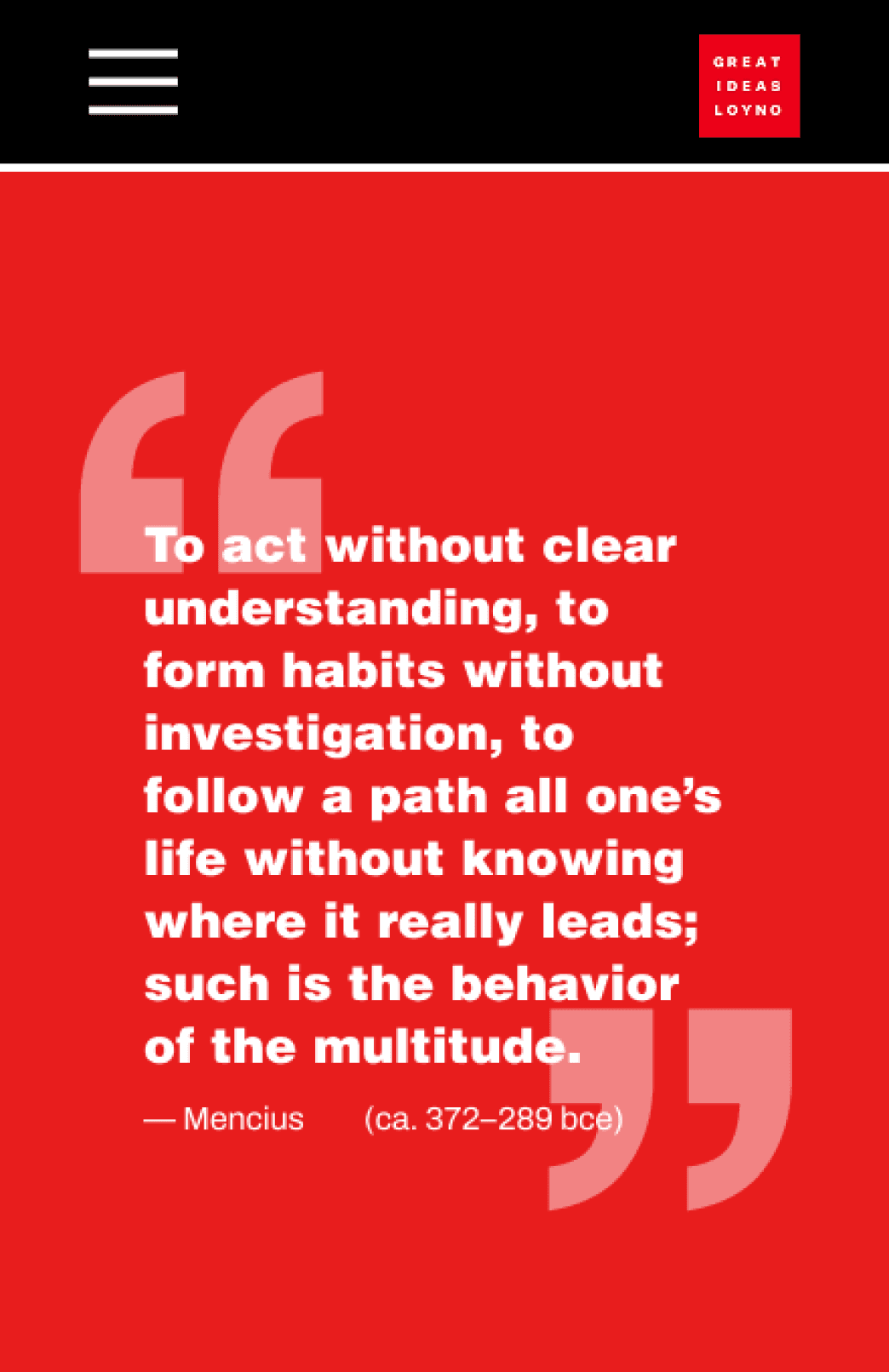
The styling of my prototype, especially of the quote section, matches the established branding of Great Ideas
My layout also made the most sense for the project. Visitors would naturally focus on the large posters and not the tiny captions at the exhibit. However, the quotes were important for understanding the posters yet often weren’t written on them. Therefore, emphasizing the quotes as I did was crucial.
refinement
With our design decided, our team focused on styling and reproducibility. We split up into 3 teams: transferring text, creating a style library, and refining the layout. As part of the layout group, I made screens responsive, ensured spacing consistency,and integrated library styles.
During my work, I realized having the large quotation marks in the background was impractical. They wouldn’t respond with the screen width, and trying to fix the issue only resulted in complicated layering. For simplicity, I brought them to the foreground and compensated for the space they took up by making them smaller. Additionally, I had to remove the designer portraits since we didn’t know how many people would have good photos of themselves online.
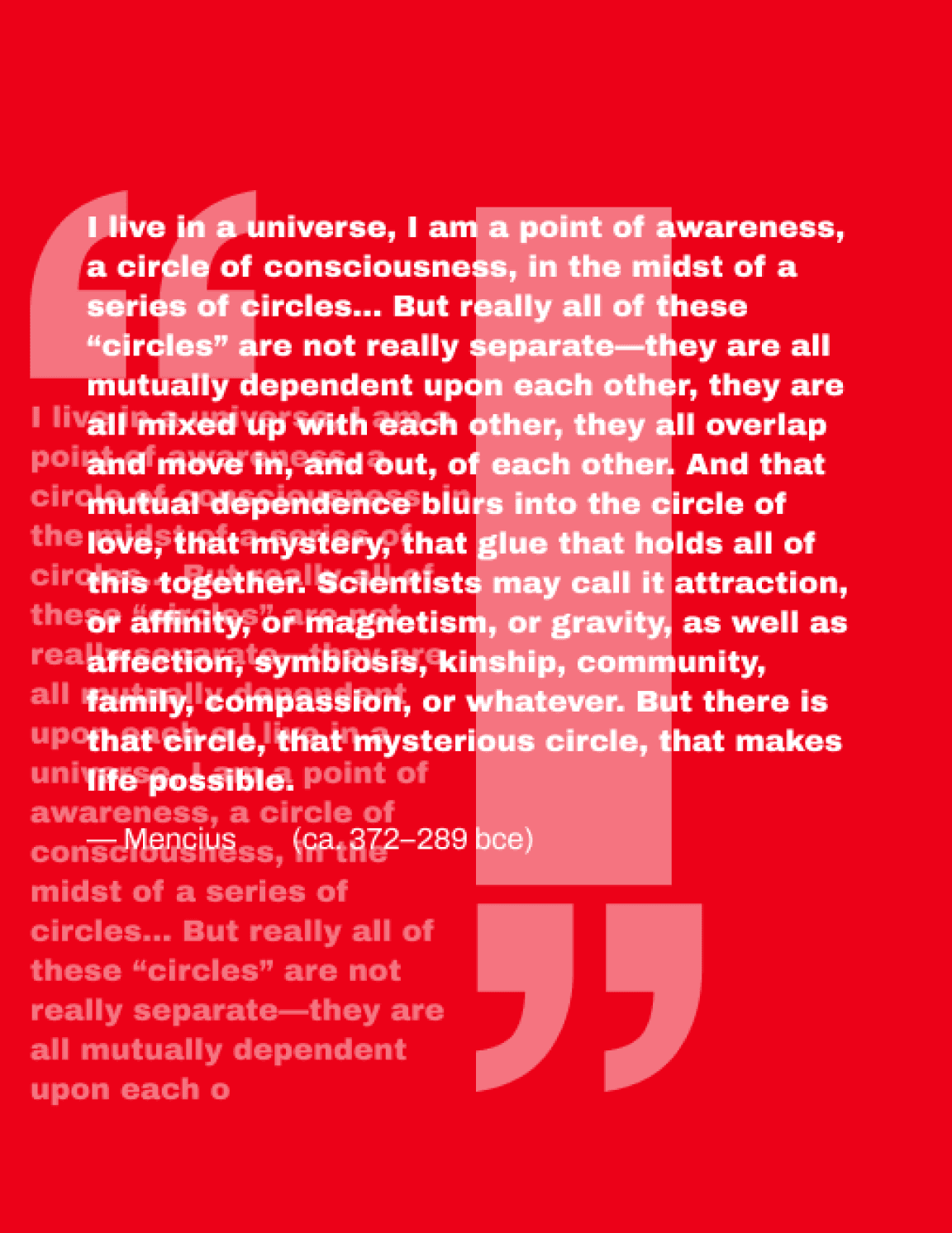
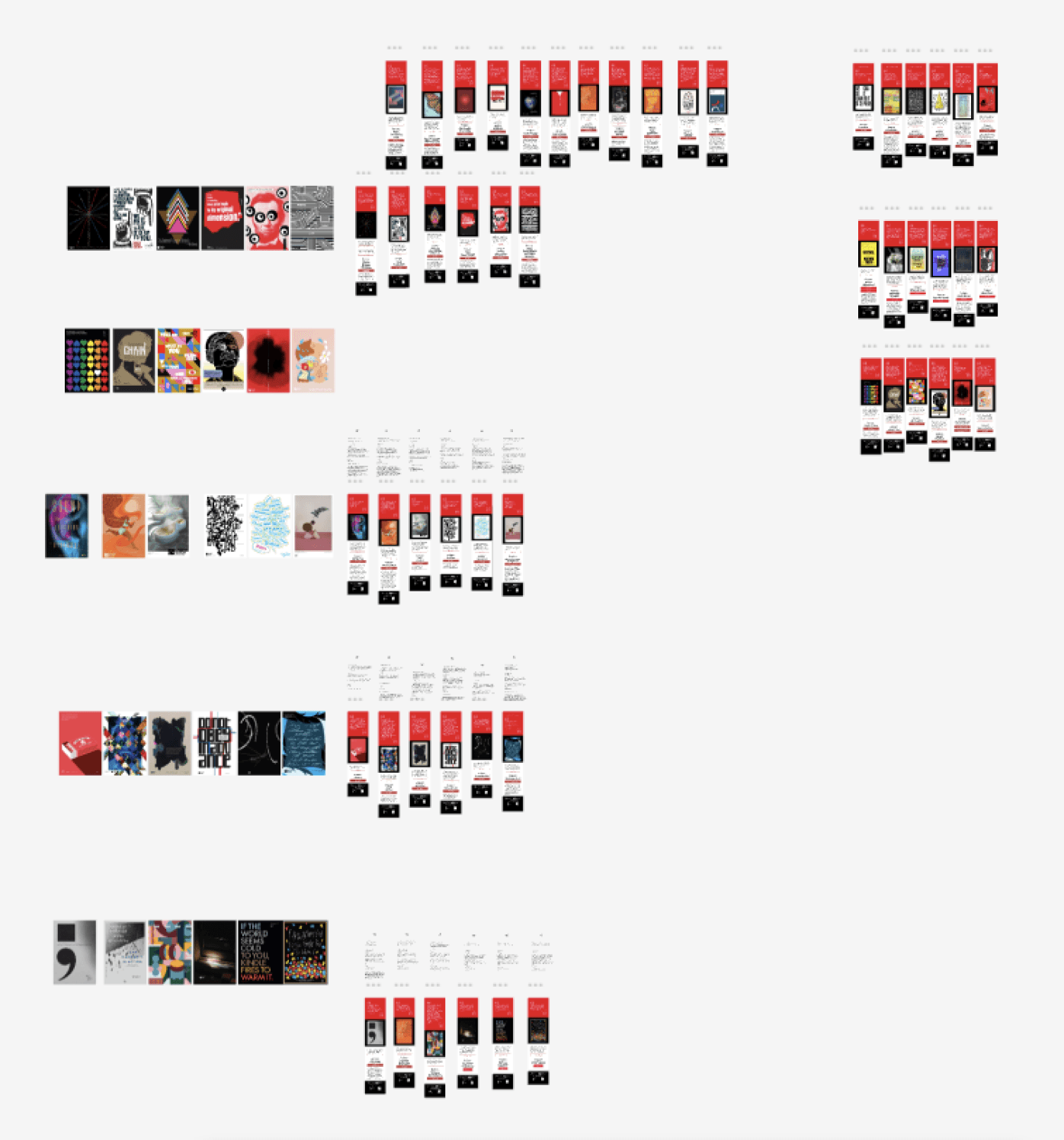
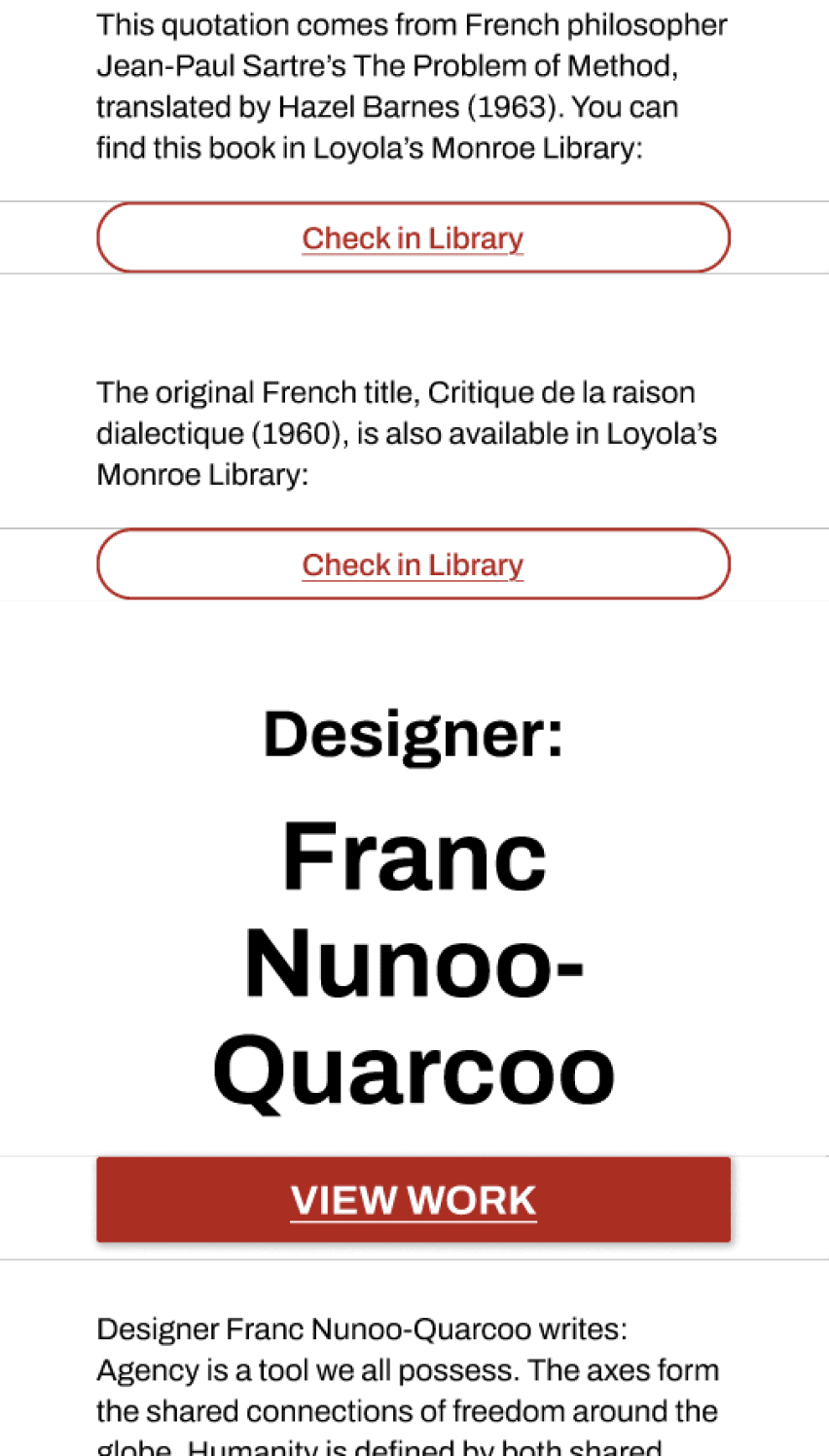
Attempts to make the original quote section responsive were unintuitive and ineffective - All screens - Template issues
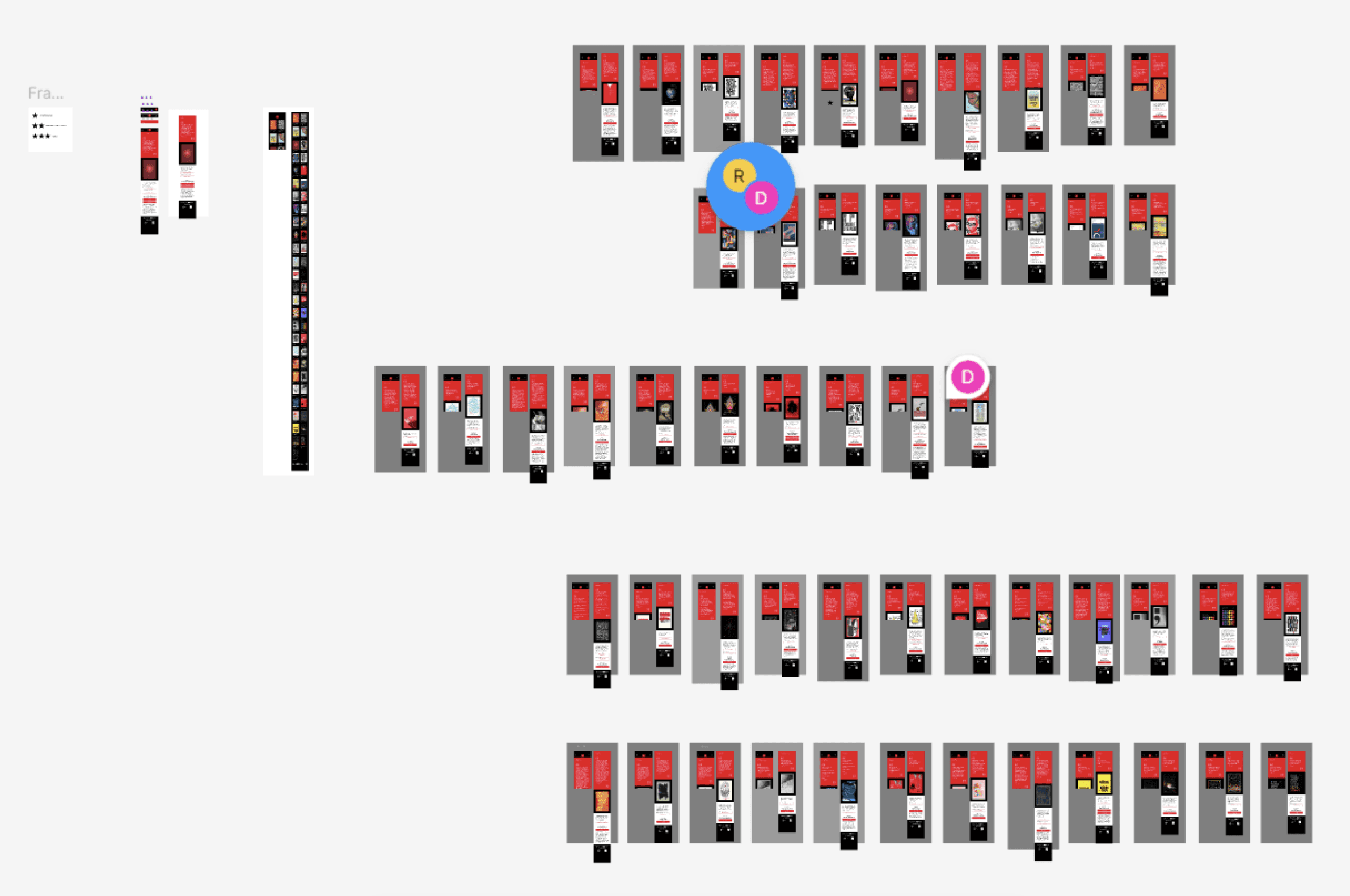
With the template seemingly complete, we tried creating screens for all the content. However, it became evident that there were structural issues holding us back. While some screens looked fine, others had gray bars separating the different sections and had inconsistent footer height in the preview. We were forced to redo the template, but this experience showed us the importance of being able to easily change our content and structure.
Final Screens
To make changing style and content easier going forward, our team used nested components and properties. We made a main component that determines styling and layout and instances of that component for adjusting content. We’d then have an instance of the individual component that would go in a frame alongside the navigation.

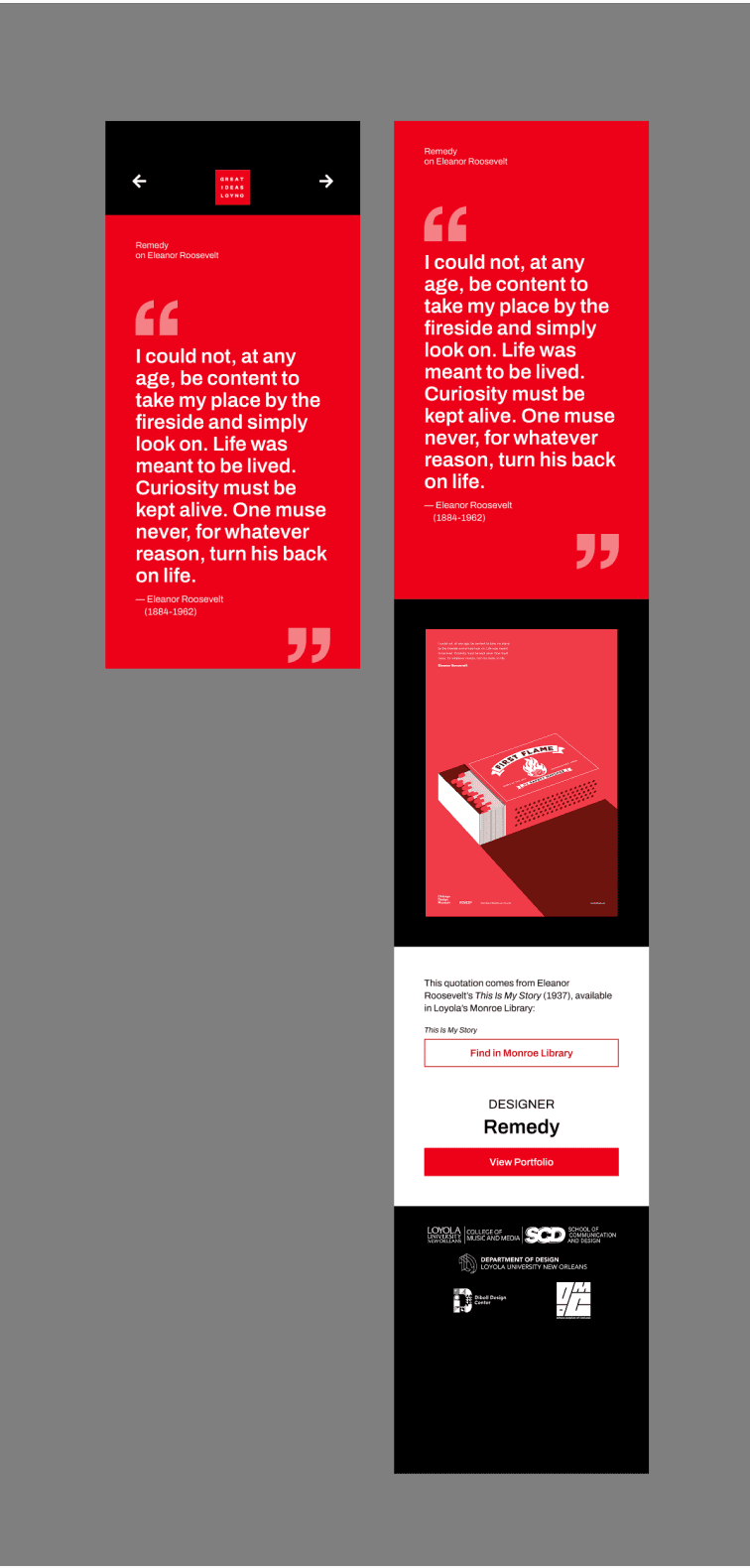
All screens - Main component - Individual component alongside the frame it goes in
All the text boxes use the text property, allowing us to edit the content from the side panel rather than having to select each box.
Not all of the content for each page is the same. Some don’t have designer bios while others have extra buttons, for example. To accommodate, we used boolean properties. The main component has the maximum amount of content, and the booleans allowed us to hide whatever wasn’t needed for each individual screen.
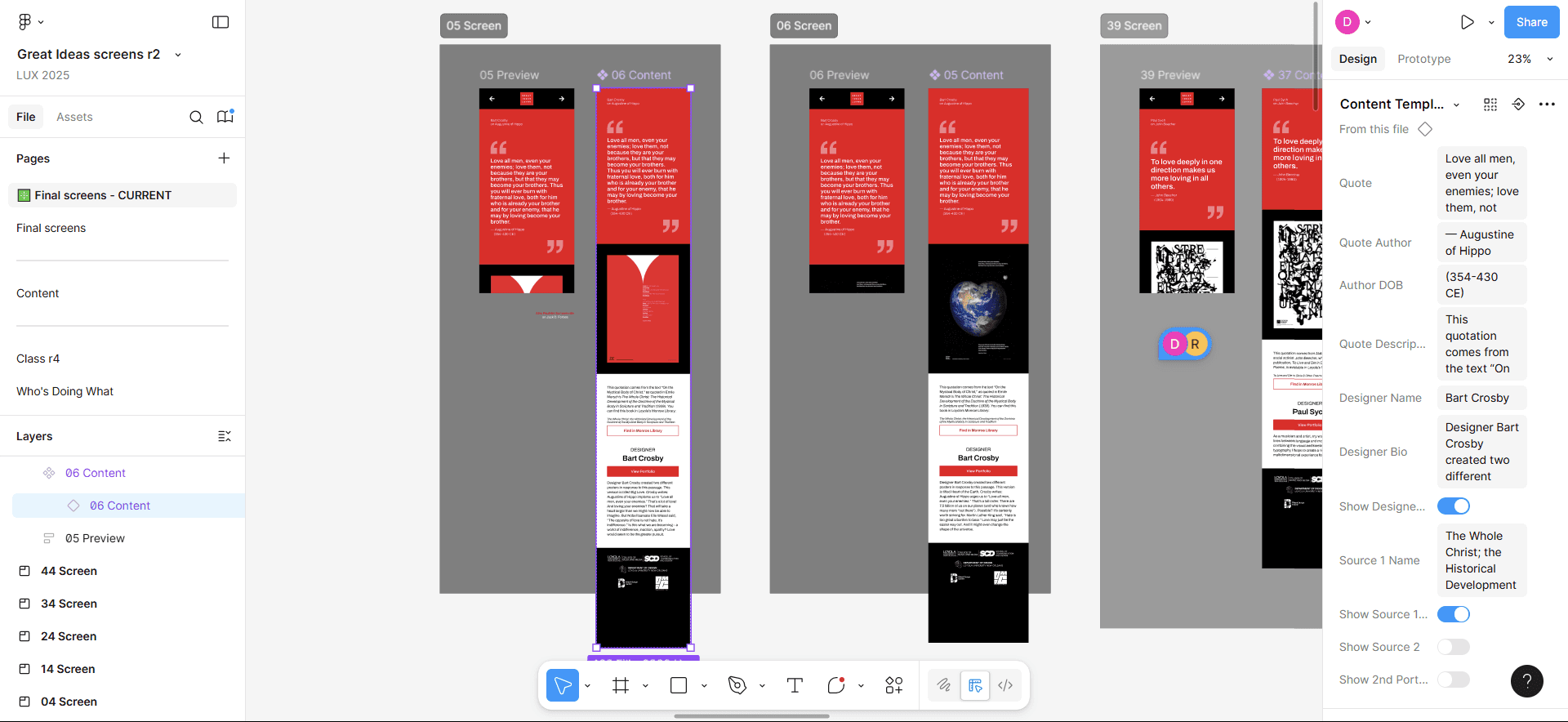
We used text and boolean properties to quickly edit content
This system allowed us to make last-minute adjustments easily, such as editing the button text to make their function clearer.
reflection
Our team successfully completed all the screens before the launch of the show, ensuring that the content was correct and everything functioned as intended. Through this experience, I gained experience with creating an easily changeable template and learned how a team can be effectively organized for this.
While great for posters, I realized that Swiss design was practically antithetical to this project. Narrow type and large headers led to clarity issues on mobile, the shapes would not work well in terms of responsiveness, and the complexity of the layouts would have made them harder to adjust. Since this exhibit was not themed around Swiss design, and based on our the user testing, I don’t think visitors would have appreciated the Swiss influences anyway.
I don’t regret being experimental initially because I was able to bring innovation despite the amount of iterations we made. While some of my earlier attempts are more interesting, simplifying the design ultimately better suited it to the exhibit.
try the prototype
Student Peace . . .
Niche